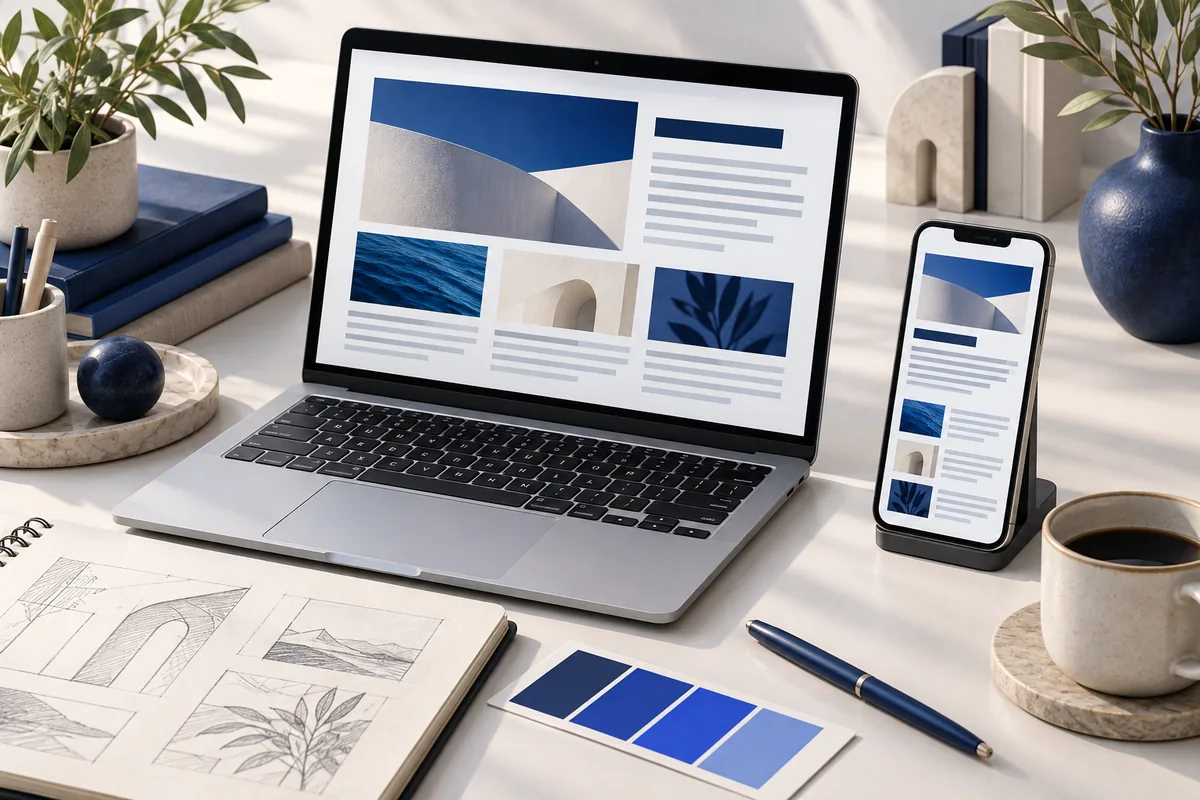
Web design guest posts are stronger when they explain a decision and its effect on a user task. A visually attractive mockup is useful evidence of a design proposal, but it does not by itself prove accessibility, usability or conversion performance.
Choose the user task the article will explain
A navigation article could follow a visitor trying to find pricing. A form-design article could explain how a user identifies and corrects an error. State the task, the constraints and the intended device context before presenting the design solution.
This approach produces a clearer pitch than a gallery of fashionable interface effects. An editor can judge whether the contribution teaches a method rather than merely promoting a portfolio.
Separate illustration from evaluated behaviour
Label mockups and example interfaces honestly. If usability testing was conducted, describe the participants, task and limitations without exposing their personal information. If it was not conducted, explain the design rationale without inventing validation.
W3C WAI: informative image alternatives discusses how text alternatives communicate the information supplied by images. An article about a design decision should therefore explain that decision in text as well as showing a screenshot. Decorative flourishes and informative diagrams do not need the same treatment.
Build a useful before-and-after example
Consider a hypothetical enquiry form with an unclear required field. Show the problem, then explain the revised label and error message. Describe how someone using a keyboard can reach the field and how the message relates to it. The value lies in the explanation and observable behaviour, not a claim that the change will increase every site's enquiries by a fixed percentage.
Use fictional data in examples and confirm permission before displaying client projects. A public website screenshot can still contain information you should not reproduce carelessly.
Outreach and scope
Share the proposed topic, audience, example assets and the contributor's role in any work shown. We can discuss publication research and coordination. Keep independent testing, accessibility evaluation and image permissions explicit in the brief. For broader website questions, the SEO services guide explains how content and technical priorities can be considered together.